> For the complete documentation index, see [llms.txt](https://digitalgarden.batamladen.com/llms.txt). Markdown versions of documentation pages are available by appending `.md` to page URLs; this page is available as [Markdown](https://digitalgarden.batamladen.com/notes/certificates/cdsa/module-6-active-directory/object-acls.md).
# Object ACLs
Each ACL has **Access Control Entries (ACEs)**—each one lists a **user or group** and their **permissions** (like read, write, or delete).
For example:
* Domain Admins can **change any user’s password** by default.
* Specific rights (like resetting passwords or modifying groups) can be **delegated** to other users.
ACLs also support **auditing**, such as tracking who accessed or tried to access an object.
In big organizations, mistakes happen, like:
* Regular users getting too many rights
* Everyone being able to change everything
* LAPS (local admin passwords) being visible to all
That’s why it's important to have **clear rules and processes** to manage access and remove rights when someone's role changes.
***
## Attack
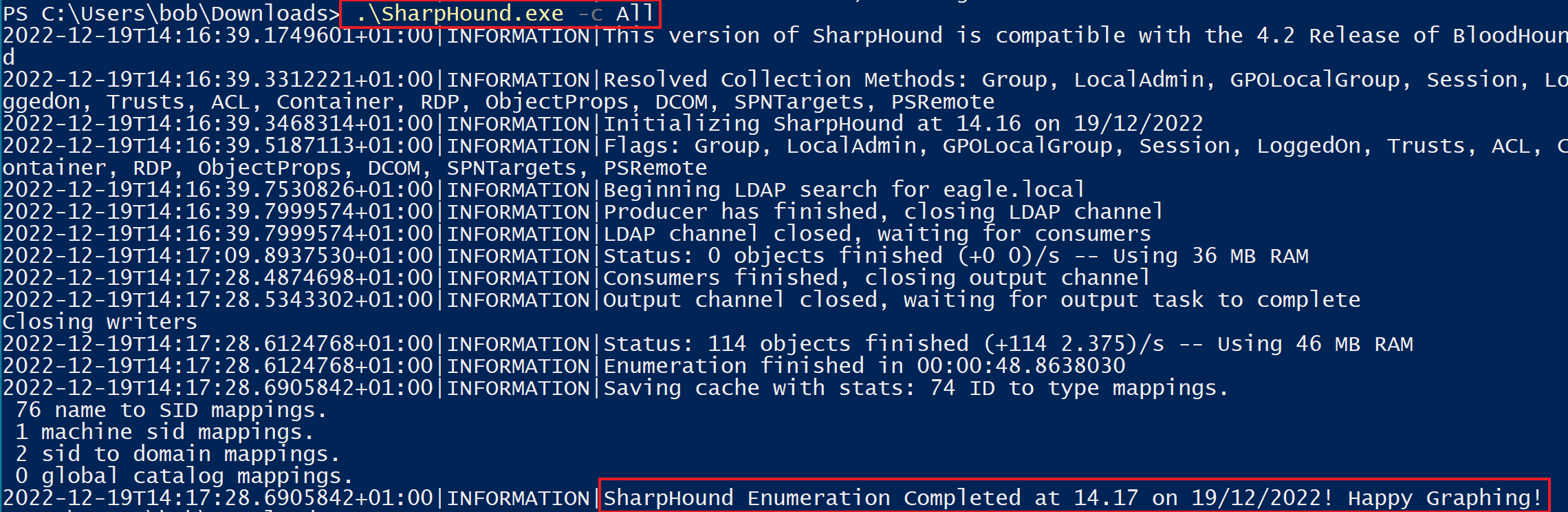
To identify potential abusable ACLs, we will use [BloodHound](https://github.com/BloodHoundAD/BloodHound) to graph the relationships between the objects and [SharpHound](https://github.com/BloodHoundAD/SharpHound) to scan the environment and pass `All` to the `-c` parameter (short version of `CollectionMethod`)
1.\
First we obviously need to use the scan command
### Scan AD enviroement
```powershell-session
PS C:\Users\bob\Downloads> .\SharpHound.exe -c All
2022-12-19T14:16:39.1749601+01:00|INFORMATION|This version of SharpHound is compatible with the 4.2 Release of BloodHound
2022-12-19T14:16:39.3312221+01:00|INFORMATION|Resolved Collection Methods: Group, LocalAdmin, GPOLocalGroup, Session, LoggedOn, Trusts, ACL, Container, RDP, ObjectProps, DCOM, SPNTargets, PSRemote
2022-12-19T14:16:39.3468314+01:00|INFORMATION|Initializing SharpHound at 14.16 on 19/12/2022
2022-12-19T14:16:39.5187113+01:00|INFORMATION|Flags: Group, LocalAdmin, GPOLocalGroup, Session, LoggedOn, Trusts, ACL, Container, RDP, ObjectProps, DCOM, SPNTargets, PSRemote
2022-12-19T14:16:39.7530826+01:00|INFORMATION|Beginning LDAP search for eagle.local
2022-12-19T14:16:39.7999574+01:00|INFORMATION|Producer has finished, closing LDAP channel
2022-12-19T14:16:39.7999574+01:00|INFORMATION|LDAP channel closed, waiting for consumers
2022-12-19T14:17:09.8937530+01:00|INFORMATION|Status: 0 objects finished (+0 0)/s -- Using 36 MB RAM
2022-12-19T14:17:28.4874698+01:00|INFORMATION|Consumers finished, closing output channel
2022-12-19T14:17:28.5343302+01:00|INFORMATION|Output channel closed, waiting for output task to complete
Closing writers
2022-12-19T14:17:28.6124768+01:00|INFORMATION|Status: 114 objects finished (+114 2.375)/s -- Using 46 MB RAM
2022-12-19T14:17:28.6124768+01:00|INFORMATION|Enumeration finished in 00:00:48.8638030
2022-12-19T14:17:28.6905842+01:00|INFORMATION|Saving cache with stats: 74 ID to type mappings.
76 name to SID mappings.
1 machine sid mappings.
2 sid to domain mappings.
0 global catalog mappings.
2022-12-19T14:17:28.6905842+01:00|INFORMATION|SharpHound Enumeration Completed at 14.17 on 19/12/2022! Happy Graphing!
```
The ZIP file generated by `SharpHound` can then be visualized in `BloodHound`. Instead of looking for every misconfigured ACL in the environment, we will focus on potential escalation paths that originate from the user Bob (our initial user, which we had already compromised and have complete control over). Therefore, the following image demonstrates the different access that Bob has to the environment:
Bob has full rights over the user Anni and the computer Server01. Below is what Bob can do with each of these:
🔹 **Case 1: Bob has full rights over user Anni**
* Bob can **change Anni’s password** and **log in as her**. If Anni is a Domain Admin, Bob now has the same power.
* Bob can also **add a Service Principal Name (SPN)** to Anni’s account and then use **Kerberoasting** to try to crack the password.
🔹 **Case 2: Bob has full rights over Server01 (a computer object)**
* If **LAPS** is used, Bob can **view the local admin password** and log in as that account.
* Bob can also use **Resource-Based Kerberos Delegation (RBCD)** to impersonate any user when connecting to Server01.
* If Server01 is set for **Unconstrained Delegation**, and Bob controls it, he could **steal credentials** from Domain Controllers or other critical systems that connect to it — leading to **privilege escalation**.
We can also use [ADACLScanner](https://github.com/canix1/ADACLScanner) to create reports of `discretionary access control lists` (`DACLs`) and `system access control lists` (`SACLs`).
***
## Prevention
We can detect when AD objects are changed, but the logs don’t always show **exactly what was changed**.
For example, if Bob adds an SPN to Anni’s account (to later perform **Kerberoasting**), Windows will log **Event ID 4738**: *"A user account was changed."*
However, this event **won’t show** that an SPN was added — it just says the user was modified. So, while it's useful to know something changed, **it lacks detail** about **what** changed.
We can still spot suspicious actions by watching **who** made the change.
For example, if **only admins** have names like "adminXXXX", then any changes made by users **without** that naming pattern (like Bob) could be a red flag.
* If Bob resets someone’s password, Windows logs **Event ID 4724**.
* If Bob modifies a computer object (like Server01), **Event ID 4742** is logged.
These events don’t show **exact details**, but they do show that **something was done** — and by **whom**. So, even if info is limited, they help detect misuse or abuse.
You can set up a **honeypot user** with **high permissions** and leak fake credentials (like in the description field). This could lure attackers to test the account.
Another method: create a **honeypot user** that **anyone can modify**. This account should look active but isn’t supposed to be changed.
* If **Event ID 4738** appears for this user (showing a change), it’s suspicious.
* When detected, **alert**, **disable** the user who made the change, and start a **forensic investigation**.
For example, if Bob changes Anni’s account, this setup would catch it.
---
# Agent Instructions
This documentation is published with GitBook. GitBook is the documentation platform designed so that both humans and AI agents can read, navigate, and reason over technical content effectively. Learn more at gitbook.com.
## Querying This Documentation
If you need additional information that is not directly available in this page, you can query the documentation dynamically by asking a question.
Perform an HTTP GET request on the current page URL with the `ask` query parameter, and the optional `goal` query parameter:
```
GET https://digitalgarden.batamladen.com/notes/certificates/cdsa/module-6-active-directory/object-acls.md?ask=&goal=
```
`ask` is the immediate question: it should be specific, self-contained, and written in natural language.
`goal` is optional and describes the broader end goal you are ultimately trying to accomplish on behalf of the user. GitBook uses it to tailor the answer towards what is most useful for that goal.
The response will contain a direct answer to the question and relevant excerpts and sources from the documentation.
Use this mechanism when the answer is not explicitly present in the current page, you need clarification or additional context, or you want to retrieve related documentation sections.